Elevation Detection
How the AnchorGrid API locates interior elevation regions inside architectural drawing PDFs, and what you can build with the resulting bounding boxes.
Example run
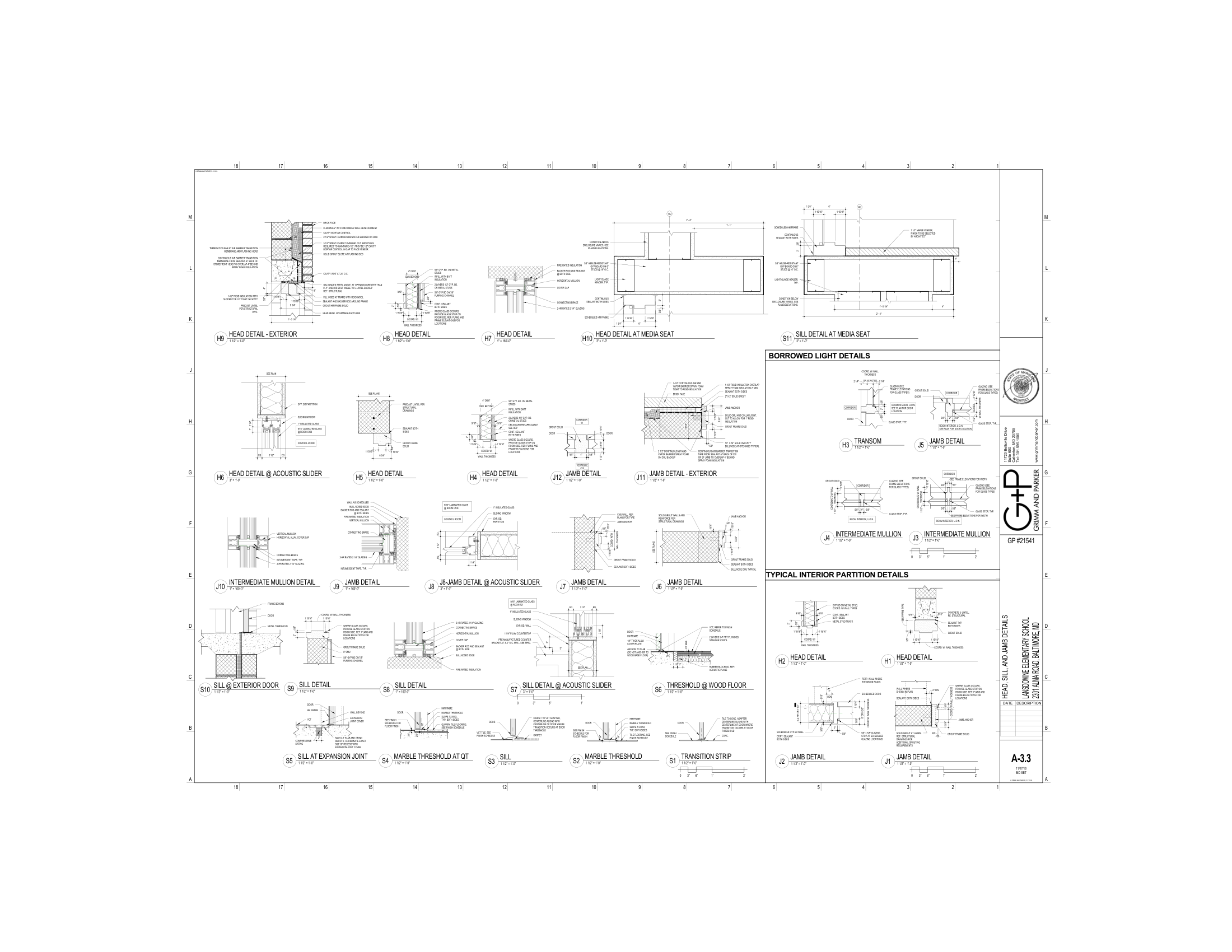
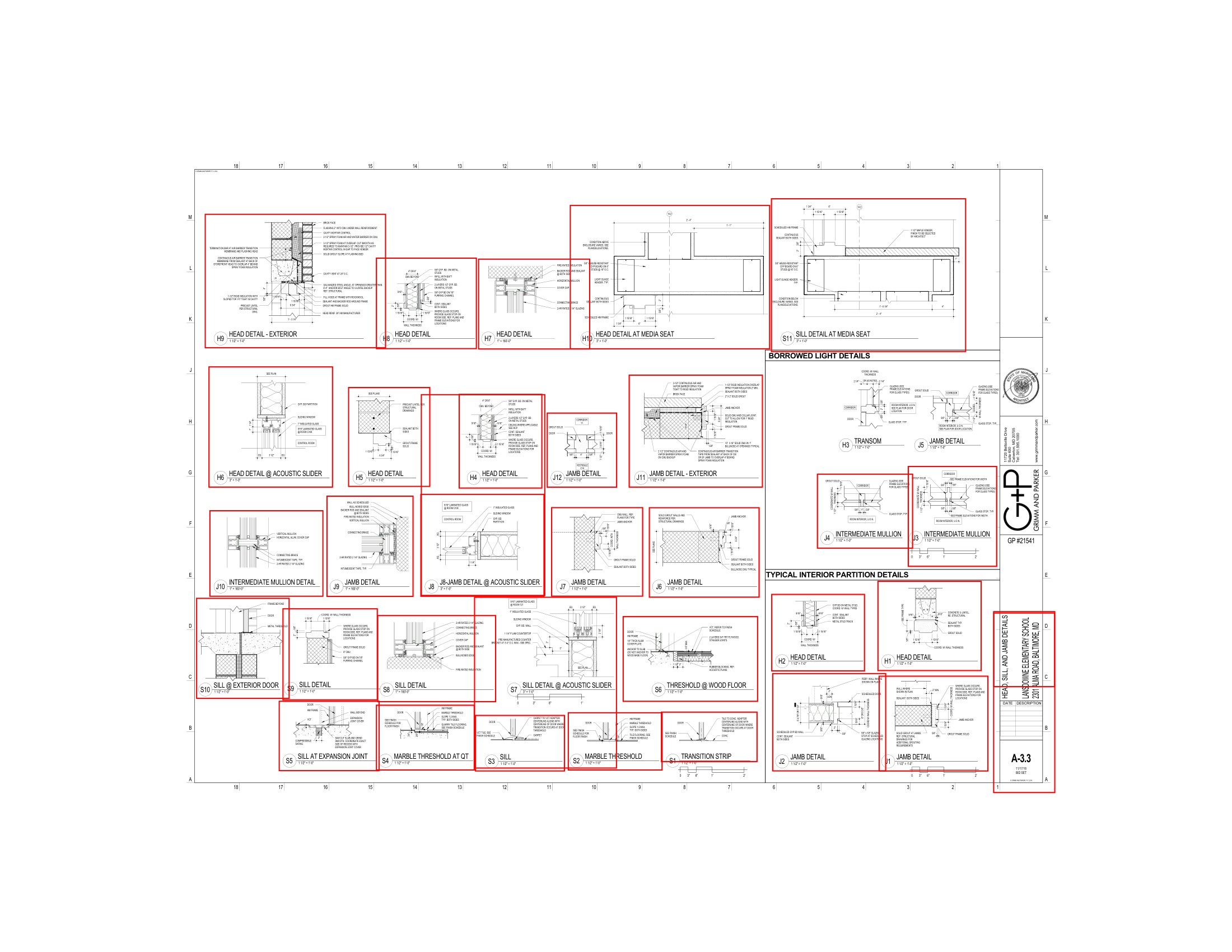
The basics
An interior elevation is a vertical slice drawing that shows one wall of a room — what you'd see standing in the space looking straight at that wall. Architects use them to communicate finish materials, millwork heights, fixture placement, and accessory locations that can't be read from a floor plan alone.
A single sheet in a drawing set can contain 2–6 individual elevation views. Standard document management tools (Procore, ACC) parse the sheet title block — they don't know how many elevations are on the sheet or which room each shows.
POST /v1/drawings/detection/elevation returns a separate bounding box for every elevation region on every page, so downstream tools can address each view independently instead of treating the whole sheet as one object.
The anatomy
Each item in the elevations[] array describes one detected region:
Why it matters for APIs
Once you have per-elevation bounding boxes, several workflows become mechanical:
Crop exactly the elevation region from the rendered page before sending to a vision model. Reduces noise and token cost versus sending the entire sheet.
Group detected elevations by page and spatial proximity to infer which views belong to the same room — buildable without any title-block parsing.
Cross-reference elevation count per sheet against the drawing index. Sheets with fewer elevations than expected flag missing or incomplete documentation.
The CSI connection
CSI (Construction Specifications Institute) organizes construction work into 50 divisions. Interior elevation drawings frequently show work from multiple divisions on a single view:
Division 06Wood, Plastics, Composites(cabinets, millwork)Division 09Finishes(tile, paint, wall coverings)Division 10Specialties(toilet accessories, grab bars, signage)Division 12Furnishings(window treatments, furniture)Restroom elevations are particularly rich in Division 10 content: grab bars, paper towel dispensers, soap dispensers, mirrors, and toilet accessories all appear on a single view. Detecting the elevation region first, then running spec extraction on the relevant CSI sections, lets you validate fixture compliance without manual sheet review.
Code example
The example below uploads a drawing set, submits elevation detection across all pages, polls until complete, and prints each detected region with its page and bounding box.
To scan specific pages only, pass page_numbers in the detection request:
On this page